Win-Back Campaigns
Part of Win-back campaign strategy
Identifying lapsed customers by normal purchase cadence
Set a product-specific win-back boundary from purchase gaps, audit cases near it and separate candidates from customers eligible for contact.
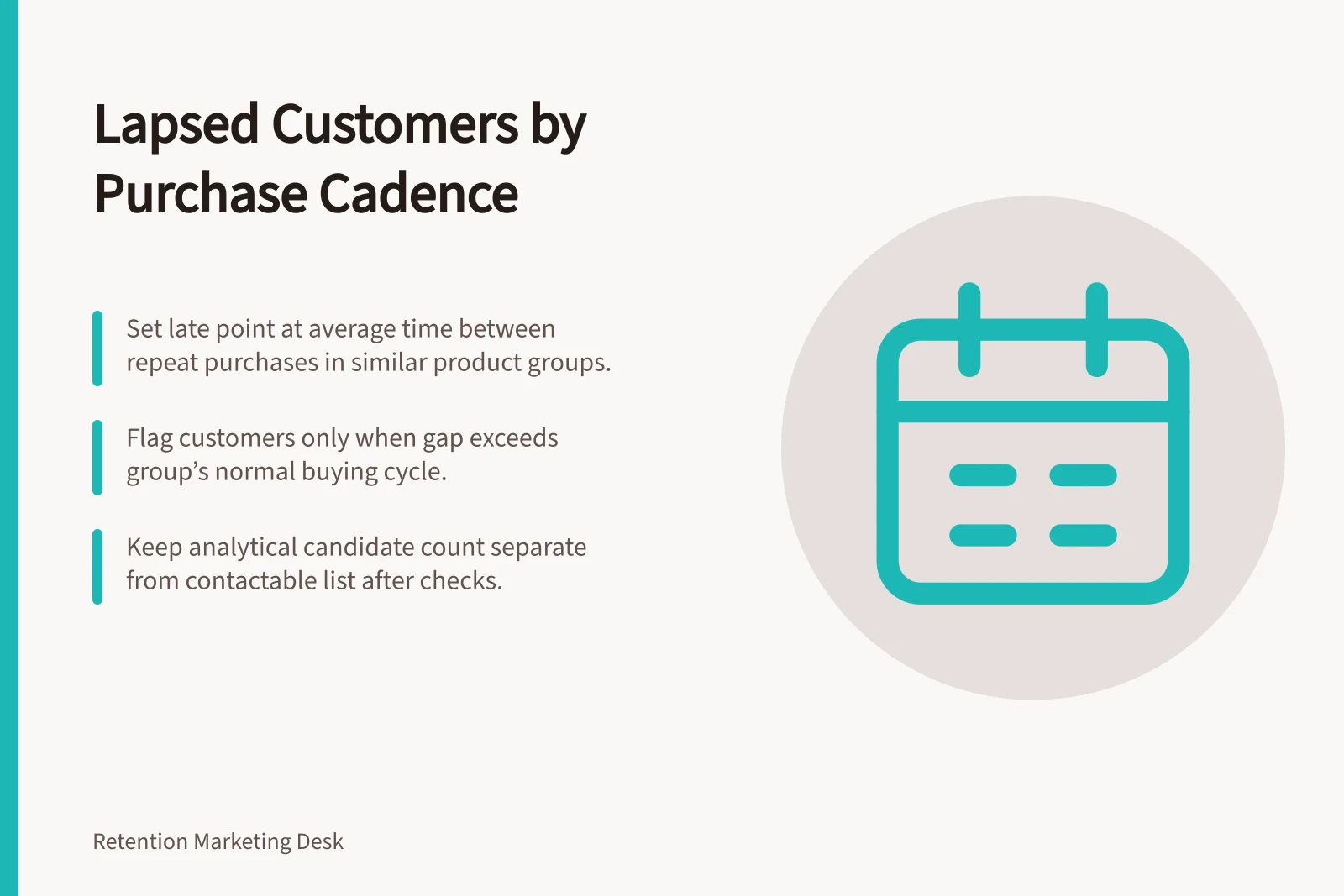
Set the late point at the average time between relevant repeat purchases in a comparable product group. Flag a customer only when the time since their last completed relevant purchase exceeds that buying cycle; this marks a win-back candidate, not intent to leave. Keep the analytical candidate count separate from the count that remains contactable after list checks.
Define the purchase that starts the clock
Choose the product group and completed-purchase event that starts the clock. In Klaviyo, the ecommerce platform’s Placed Order event can identify an order; if Buy with Prime powers payment and fulfilment, integrate its data and account separately for its Placed Order event. Decide whether a later purchase of another pack size or a suitable substitute resets the clock, and apply one rule to cancellations, returns and exchanges. A replacement supplied to fix a problem is not automatically a new buying decision.
For each comparable product group, build a repeat-customer segment of customers with at least two purchases in the last two years. Where available, export that segment to CSV and average the Average Time Between Orders column. Use that average as the group’s normal buying cycle: flag a customer only once the gap since their last relevant purchase exceeds it.
Calculate gaps between successive relevant purchases for repeat buyers and inspect their spread and actual histories. Split groups when pack size, quantity, season or subscriptions materially change the next opportunity. Several comparable purchases may support a customer-specific window; a first-time buyer needs a cautious product-group window.
Observed gaps come only from customers who returned. They cannot show when every one-order buyer would have returned. Keep one-order customers in the candidate population, but wait until the comparable product-group window has elapsed before classifying their gap.
Set and audit the win-back boundary
Use three working states:
- Within the plausible window:there is no cadence-based reason for win-back contact yet.
- Beyond the review boundary:the customer is a candidate, subject to record and contact checks.
- Unknown:sparse history, uncertain identity or an unclear next buying opportunity prevents a reliable lapse label.
Use the calculated average as the proposed boundary for its matching product group. Review customer records just below and above that point, and record the cohort, average, reporting cut-off and rule version.
For earlier customers with enough later observation time, count those who crossed the boundary and then bought again without a targeted win-back message. Compare that count with the number of earlier customers who had enough observation time, and record both. Repeat purchases soon after the boundary may mean the rule is early; inspect the cases before changing it.
For a seasonal gift purchase, the next comparable occasion may be more informative than elapsed days. For a repeatedly purchased consumable, a gap beyond earlier comparable intervals may justify review. Neither pattern establishes why an individual stopped buying.
Customer status states for win-back eligibility
- Within the plausible windowNo need for win-back contact yet; customer is still within expected purchase cadence.
- Beyond the review boundaryCustomer is a win-back candidate; subject to consent, opt-out and contact checks before outreach.
- UnknownInsufficient or unclear history; identity or next opportunity not reliably determinable.
Key metrics for evaluating win-back boundaries
- Repeat buyers (last 2 years)
- Number of customers with ≥2 purchases in target product group
- Average time between orders
- Mean gap between successive relevant purchases (in days)
- Customers crossing boundary & returning
- Count of those who lapsed but bought again without a win-back message
- Observation time available
- Time elapsed since first purchase for customers near threshold
Turn candidates into a safe send list
Sample records near the threshold for a larger last basket, a return, a substitute purchase, an active subscription, a stock interruption or another account holding the missing order. Record the reporting cut-off and rule version. Keep the analytical candidate count separate from the number eligible for the chosen channel.
A date-based segment can help assemble a list, but it does not by itself apply a product-specific, completed-purchase window or resolve these exceptions. Check the actual order data and integration before using such a list. Immediately before sending, recheck consent, opt-outs, recent repurchases and unresolved service cases.
Label the result as eligibility for this win-back action. Revisit the boundary when the product mix or buying pattern changes.
Pre-send validation checklist for win-back campaigns
- Confirm consent and opt-outsVerify the customer has not opted out of communications.
- Check recent repurchasesEnsure no new purchase has occurred since the gap was recorded.
- Review unresolved service casesCheck for active issues (e.g. delivery delays, returns) that may explain lapse.
- Audit account activityLook for alternative accounts holding missing orders or stock interruptions.
- Validate integration dataEnsure Placed Order events are correctly synced across platforms (e.g. Buy with Prime).