Repeat Purchase
Part of Replenishment retention
Handling customers who bought several units at once
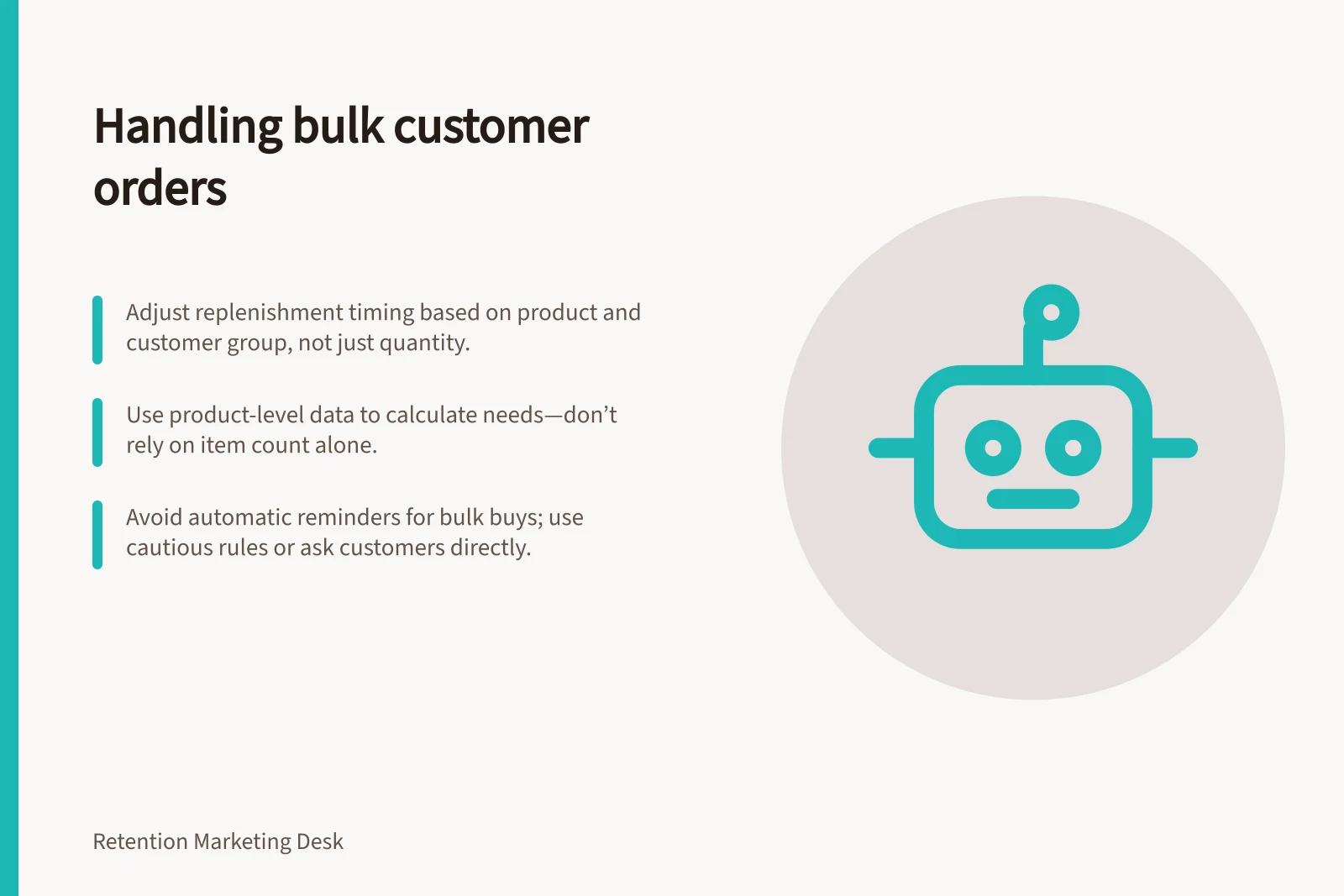
Adjust replenishment timing for multi-unit orders without assuming every extra unit extends supply. Check packs, returns and later purchases first.
A multi-unit order should not automatically receive the same replenishment date as a single-unit order. Extra units may extend supply, but they may be shared, gifted or bought for separate occasions. Adjust timing from quantity only when that assumption is credible for the product and customer group.
Work from product-level supply
Check the product, variant, pack size and line-item quantity. A two-pack and two single packs may contain the same amount of product; two different products in one basket may not. Where records permit, account for cancellations or returns, and check whether a later purchase of the same product or a suitable substitute has changed the likely need.
Do not treat order count as unit count. A mixed basket needs a product-level calculation. An “item count” field may describe the basket rather than the number of units of the replenished product.
Klaviyo's product-flow example combines an item-count condition with a product condition to identify a one-item order. Before routing customers from it, verify the event data's quantity field.
Choose a cautious quantity rule
For products normally used by one household at a fairly steady rate, extra usable units may justify a later first reminder. Extending a single-unit window in proportion to quantity is one possible starting hypothesis. Check it against actual reorder histories. Avoid extending beyond plausible storage life or a period supported by the data.
Where bulk purchases often serve several people or occasions, quantity may have little relationship to the next purchase date. Use a separate bulk-buyer route, ask when the customer would like a reminder, or omit the automated countdown. Quantity alone does not establish gift intent or household size.
Single-unit vs. multi-unit order handling
- Single-unit orderAssume steady household use; align reminder with typical consumption rate.
- Multi-unit order (e.g. two-pack)May be used over time, gifted, or shared; do not automatically extend timeline.
- Bulk purchase for multiple people/occasionsQuantity does not predict next reorder; consider separate messaging or opt-in reminder.
Check the automation and message
Review sample records for bundles, mixed packs, partial returns and repeat orders. Specify whether the clock starts from the latest relevant completed order or a confirmed delivery; neither date proves when use began. At send time, check again for a relevant purchase, subscription delivery or opt-out. This stops an old waiting step triggering an unnecessary message.
Use wording that leaves room for uncertainty. “Ready to reorder?” offers a choice; “Your three packs are gone” claims knowledge the order record does not provide. Watch for opt-outs, complaints and early repeat orders when assessing the quantity rule. Those signals can prompt a change, but they cannot reveal exactly how the product was used.
Review before sending replenishment messages
- Confirm the clock starts from latest completed order or confirmed deliveryNot necessarily when usage began.
- Verify no opt-out or subscription cancellationPrevent unnecessary messages to inactive customers.
- Check for partial returns or repeat ordersEnsure message relevance and avoid confusion.
- Use neutral language like 'Ready to reorder?'Avoid claiming knowledge about product use that the system lacks.